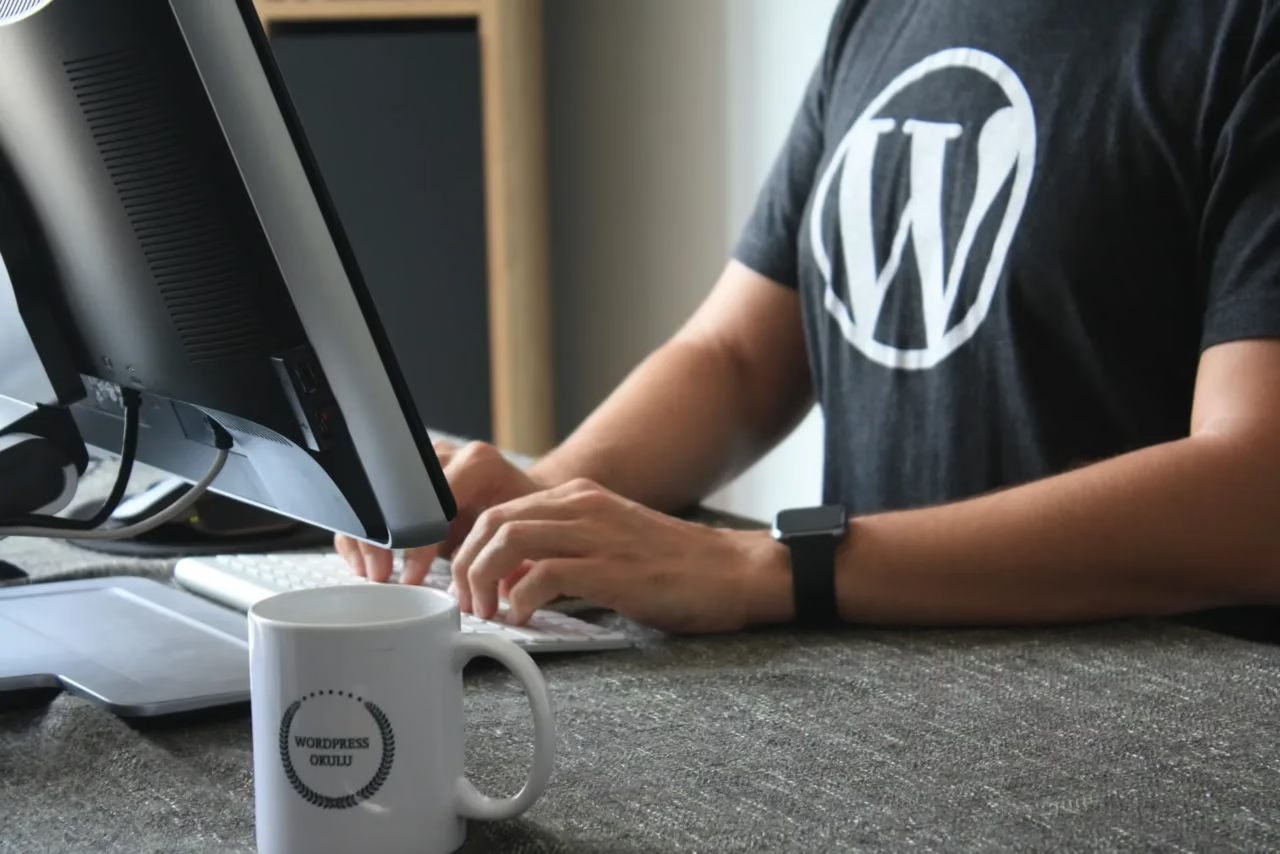
WordPress Tutorial for Beginners: 10 Simple Steps to Creating an Amazing Website
Welcome to the Wonderful World of WordPress!
Are you ready to embark on an exciting journey into the realm of web development? Look no further than WordPress, the most popular Content Management System (CMS) in the world. Whether you're a beginner or a seasoned developer, this tutorial will guide you through the basics of WordPress, helping you create stunning websites with ease.
Table of Contents
Getting Started
Before we dive into the nitty-gritty of the most popular CMS in the world, let's take a moment to understand what it is and why it's so widely used. WordPress is a free and open-source CMS that powers more than 43% of all websites on the internet, giving it a CMS market share of 62.8%. It offers a user-friendly interface, a vast library of themes and plugins, and a supportive community that makes it the go-to choice for both beginners and professionals.
Step 1: Get a Domain Name and Hosting Provider
To get started, you'll need a domain name and a hosting provider. Here’s a quick guide to getting these essentials:
- Choose a Domain Name: Pick a name that reflects your website’s purpose.
- Select a Hosting Provider: Look for providers offering one-click WordPress installations. Popular choices include Bluehost, SiteGround, Hostinger, and HostGator.
- Register and Purchase: Register your domain and purchase a hosting plan.
Step 2: Install
Most hosting providers offer one-click WordPress installations. Follow these steps:
- Log into Your Hosting Account.
- Find the WordPress Installation Option: This is usually under a section like “Website” or “Applications”.
- Click Install and follow the prompts.
Understanding the Dashboard
Upon logging into your website, you'll be greeted by the Dashboard. This is your command center, where you can control every aspect of your site. The Dashboard is divided into different sections, such as Posts, Pages, Appearance, and Plugins, each serving a specific purpose.
Step 3: Familiarize Yourself with the Dashboard
- Posts: For blog entries and news articles.
- Pages: For static content like About Us, Contact, or Services.
- Appearance: Customize the look and feel of your website.
- Plugins: Add extra functionality to your website.
Step 4: Create Your First Post and Page
- Posts: Go to the “Posts” section, click “Add New”, write your content, and hit “Publish”.
- Pages: Go to the “Pages” section, click “Add New”, write your content, and hit “Publish”.
Customizing Your Website
Step 5: Choose and Install a Theme
- Go to Appearance > Themes.
- Click “Add New”: Browse thousands of free and premium themes.
- Install and Activate: Click “Install” and then “Activate”.
Step 6: Customize Your Theme
- Go to Appearance > Customize.
- Upload Your Logo: Add your logo to personalize your site.
- Change Color Scheme: Adjust the colors to match your brand.
- Modify Layout: Experiment with different layouts to find what suits your needs.
Enhancing Functionality with Plugins
Step 7: Install Essential Plugins
- Go to Plugins > Add New.
- Search for Plugins: Examples include contact forms, SEO tools, and performance enhancers.
- Install and Activate: Click “Install Now” and then “Activate”.
Recommended Plugins
- Yoast SEO: For optimizing your site for search engines.
- Contact Form 7: For adding contact forms.
- WP Super Cache: For improving website performance.
Creating Your First Website
Step 8: Add Content
- Create Pages: Add essential pages like Home, About Us, and Contact.
- Create Posts: Start blogging to attract visitors.
Step 9: Explore Plugins
As you become more comfortable with the CMS platform, start exploring the vast world of plugins to add more functionality.
Plugins are the secret sauce of WordPress. They are like mini-applications that add extra functionality to your website.
As you become more comfortable with it, you can start exploring the vast world of plugins. Need to improve your website's performance? Install a caching plugin. Want to boost your SEO efforts? Install an SEO plugin. The possibilities are endless, and the community is always there to help you find the right plugin for your needs.
Mastering WordPress: A Continuous Learning Process
Congratulations! You've successfully created your first website. But the journey doesn't end here. WordPress is a powerful and ever-evolving platform, and there's always something new to learn.
Step 10: Keep Learning
- Stay Updated: Follow WordPress news and updates.
- Join Communities: Participate in forums and groups to learn from others.
- Experiment: Don’t be afraid to try new themes, plugins, and features.
Stay updated with the latest news, attend webinars, and join online communities to expand your knowledge. The more you dive into, the more you'll discover its endless possibilities. Don't be afraid to experiment, make mistakes, and learn from them. After all, that's how the best websites are created.
So, whether you're a beginner or an experienced developer, it is the perfect tool to bring your web development dreams to life. With its user-friendly interface, vast customization options, and a supportive community, it is the CMS of choice for millions of websites worldwide. So, what are you waiting for? Dive into the world of WordPress and unleash your creativity today!